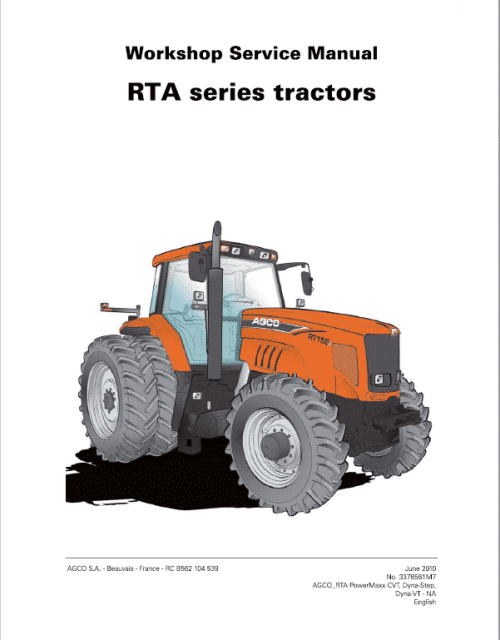
AGCO DT205B, DT225B, DT250B, DT275B, DT300B Tractor Service Manual
Manual for: AGCO DTb Tractor
Format: PDF
Book Number: 4346275M3
English
Issued June 2011
AGCO DT205B, DT225B, DT250B, DT275B, DT300B Tractor Manual
AGCO DTb series tractors Technical Manual
Spicer Axle Manual
✅ General Information – Safety guidelines, specifications, and recommended service tools
✅ Engine System – Overhaul procedures, timing settings, fuel system servicing, and cooling system maintenance
✅ Transmission & Drivetrain – Power shift and gear drive servicing, final drives, and differential repair
✅ Hydraulic System – Schematics, pressure testing, pump servicing, and valve adjustments
✅ Electrical System – Wiring diagrams, fuse locations, battery maintenance, and electronic control unit diagnostics
✅ PTO (Power Take-Off) – Engagement system repair, clutch adjustments, and component replacement
✅ Steering & Brakes – Hydraulic steering system servicing and brake system inspection/repair
✅ Cab & Controls – Operator console, air conditioning, heating systems, and instrumentation
✅ Chassis & Suspension – Frame inspection, axle repair, and suspension component servicing
✅ Troubleshooting & Diagnostics – Fault code charts, common problem solutions, and system testing procedures
✅ Maintenance Schedule – Service intervals, lubrication charts, and fluid specifications
Manual TABLE OF CONTENTS
Introduction
Separation of assemblies
Engine
Clutch
Gearbox
Rear Axle
Power Take off
Front Axle
Hydraulics
Electrical
Electronics
Cab
Accessories
Service Tools
DT205B, DT225B, DT250B, DT275B, DT300B Manual Extract
General
This calibration allows improved precision of forward speed depending on: – the different tyre sizes available – radar (if fitted)
Procedure
1. Mark out a 100 m (328 ft) (depending on the unit of measurement selected) on a firm surface.
2. Start up the tractor, and then press and hold the display selector switch (A) for 15 seconds.
NOTE: The daily hourmeter resets to 0 after 5 seconds.
3. “CAL” should appear on the screen
4. Drive the tractor forwards at normal working speed.
NOTE: The tractor must always be moving before starting out on the measured course; otherwise calibration will be incorrect.
5. Press the display selector switch when crossing the starting line of the 100 m (328 ft) course.
6. “run” should appear on the screen.
7. Press the display selector switch when crossing the finish line of the course.
8. Press the display selector switch; the constant forward speed (theoretical) measured during calibration is displayed.
9. Press the display selector switch again; the actual constant forward speed (radar) measured during calibration is displayed on tractors fitted with radar.
10. Press the display selector switch a final time to return the instrument panel to normal operating mode.